
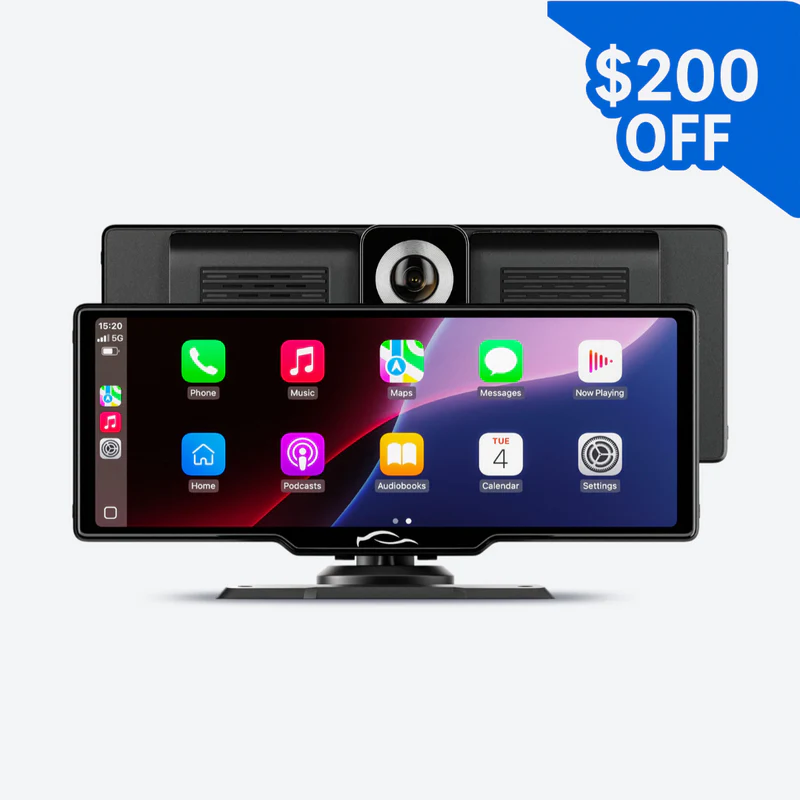
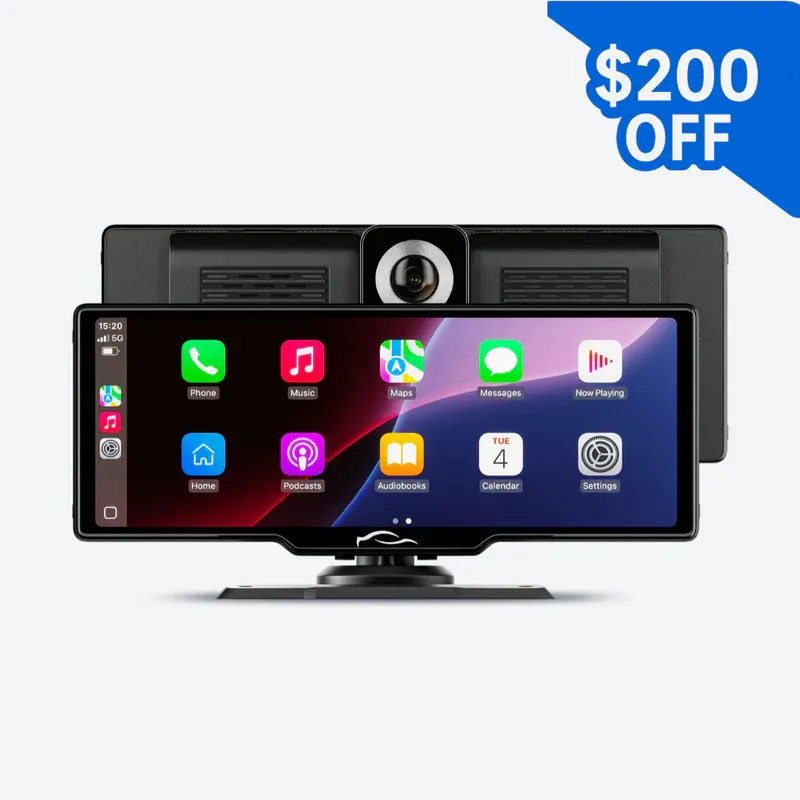
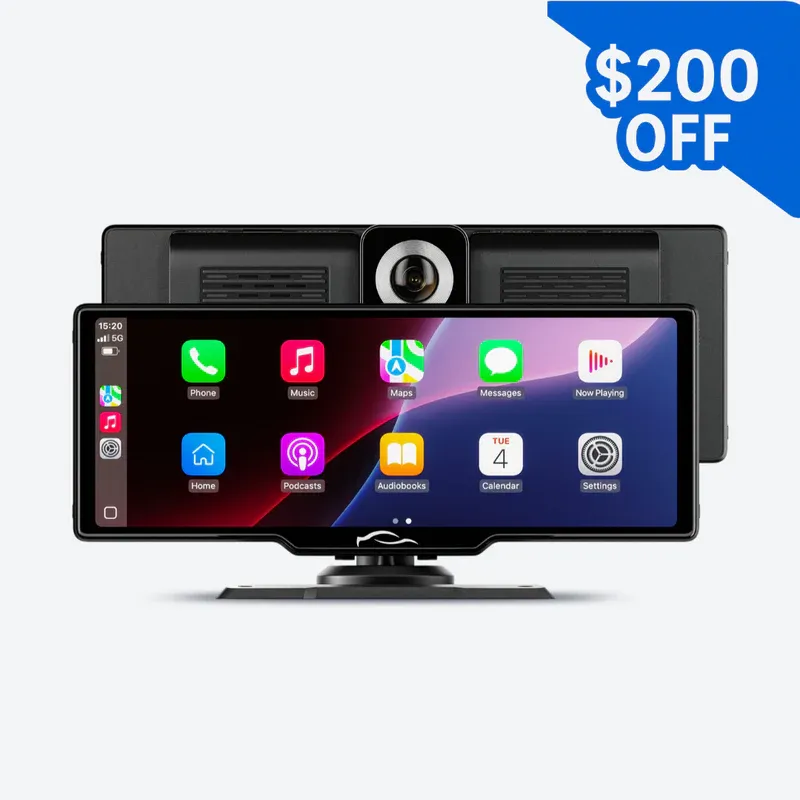
🎄✨Christmas pre-sale offer✨🎄Neermaison CarTablet Pro Max™ (2025 Model) LOW STOCK, 🔥FREE SHIPPING
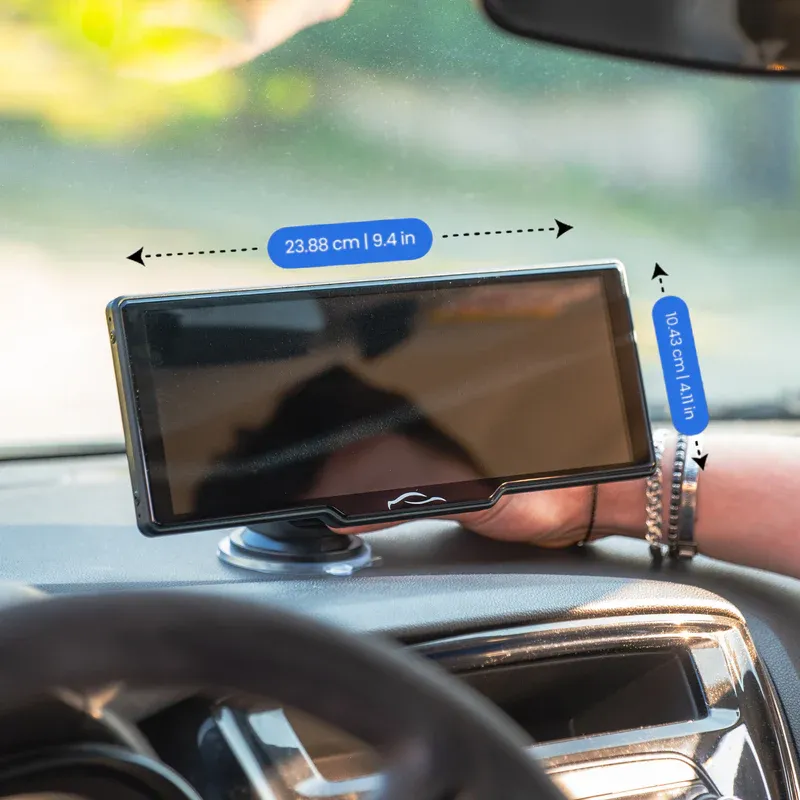
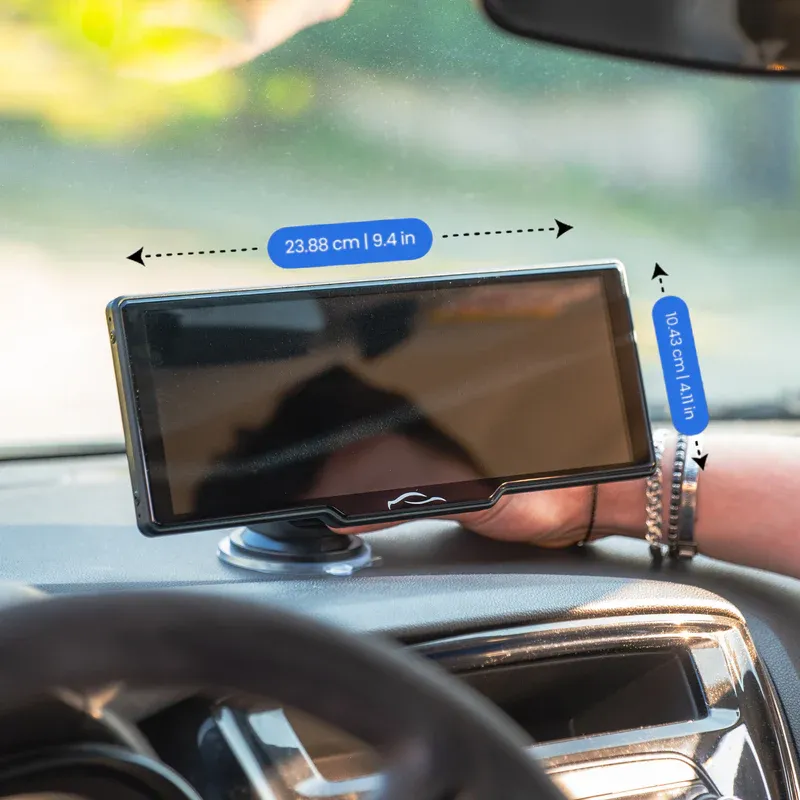
Details & Size
Resolution: 4K
Recording Quality: 4K
Working temperature: -30 ~ 90 ℃ | -22°F ~ 194°F
Bluetooth Version: Version 5.3
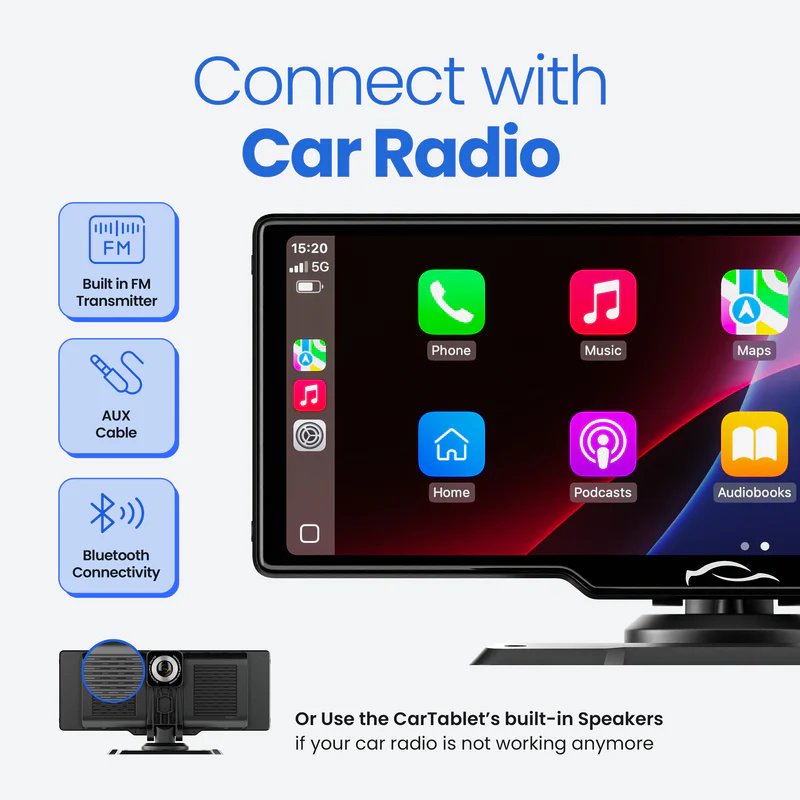
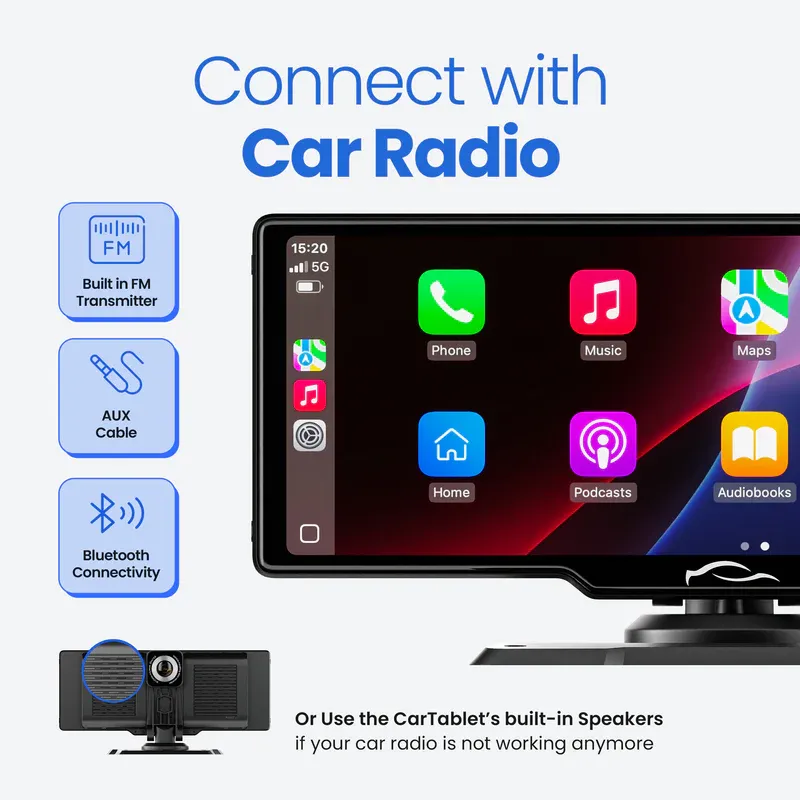
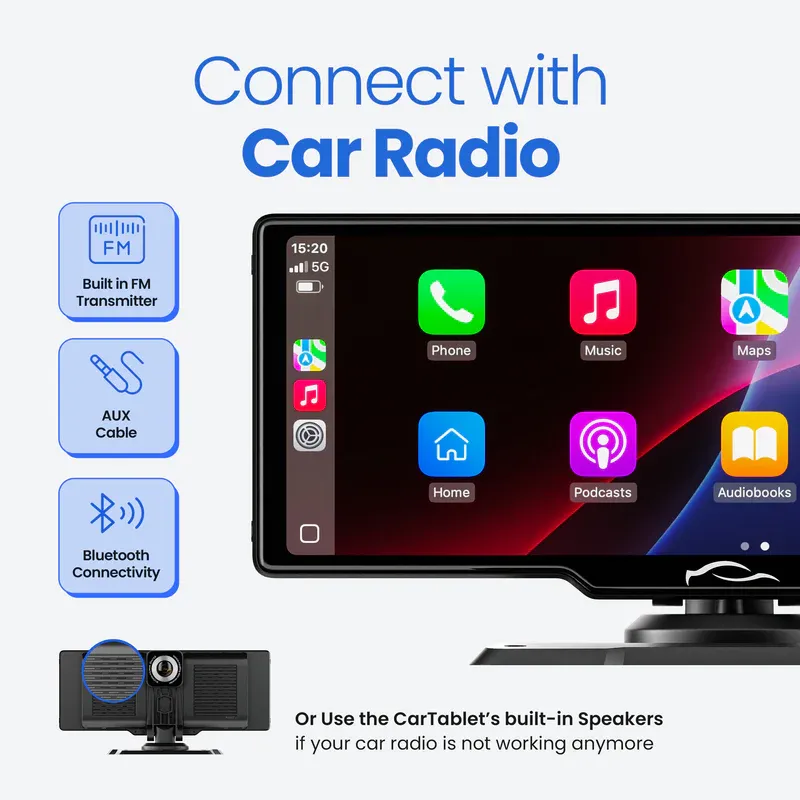
Connect With Car Radio:
FM Transmitter/Bluetooth/AUX Cable
Running memory: 1Gbit RAM
WiFi: 2.4G/5G dual frequency
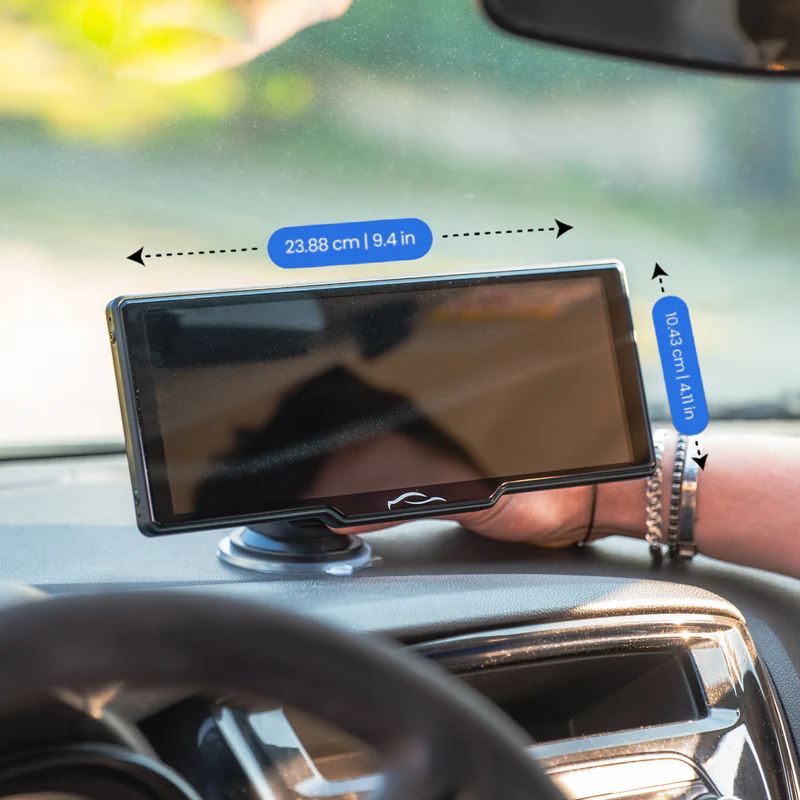
Screen Weight: 0.73KG | 1.6lbs
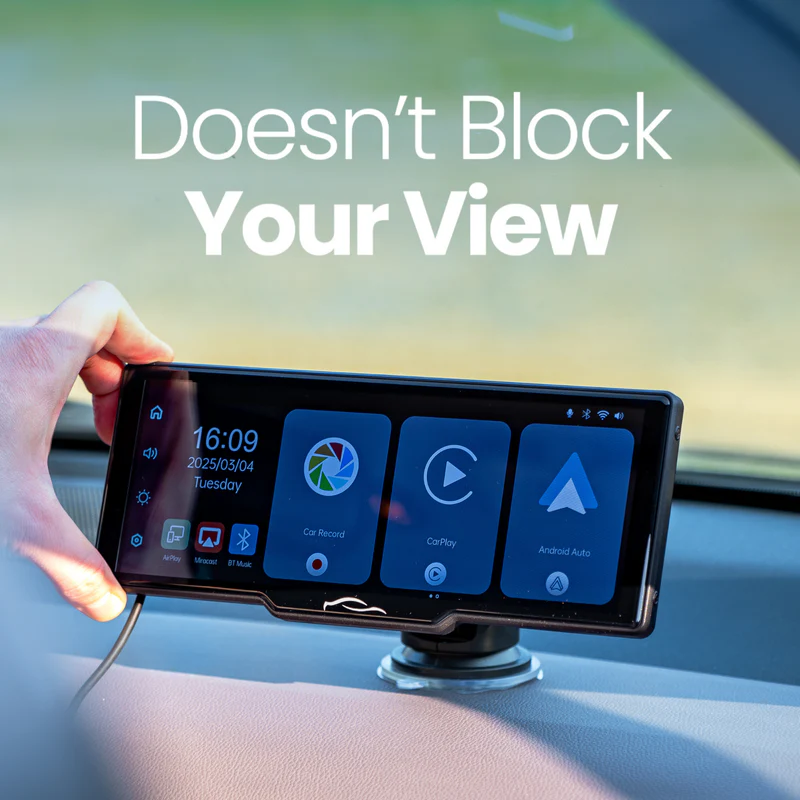
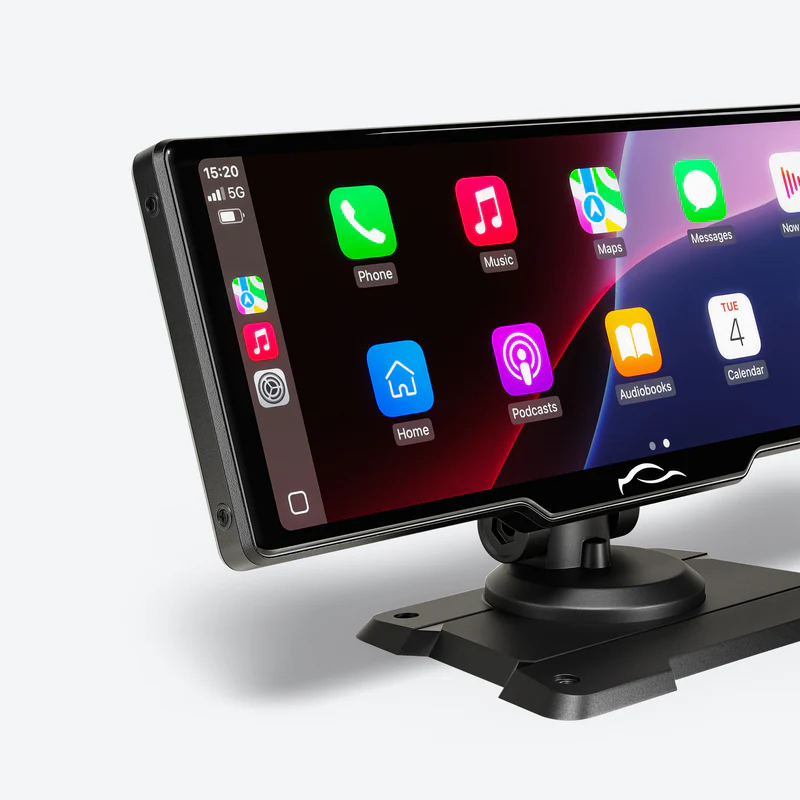



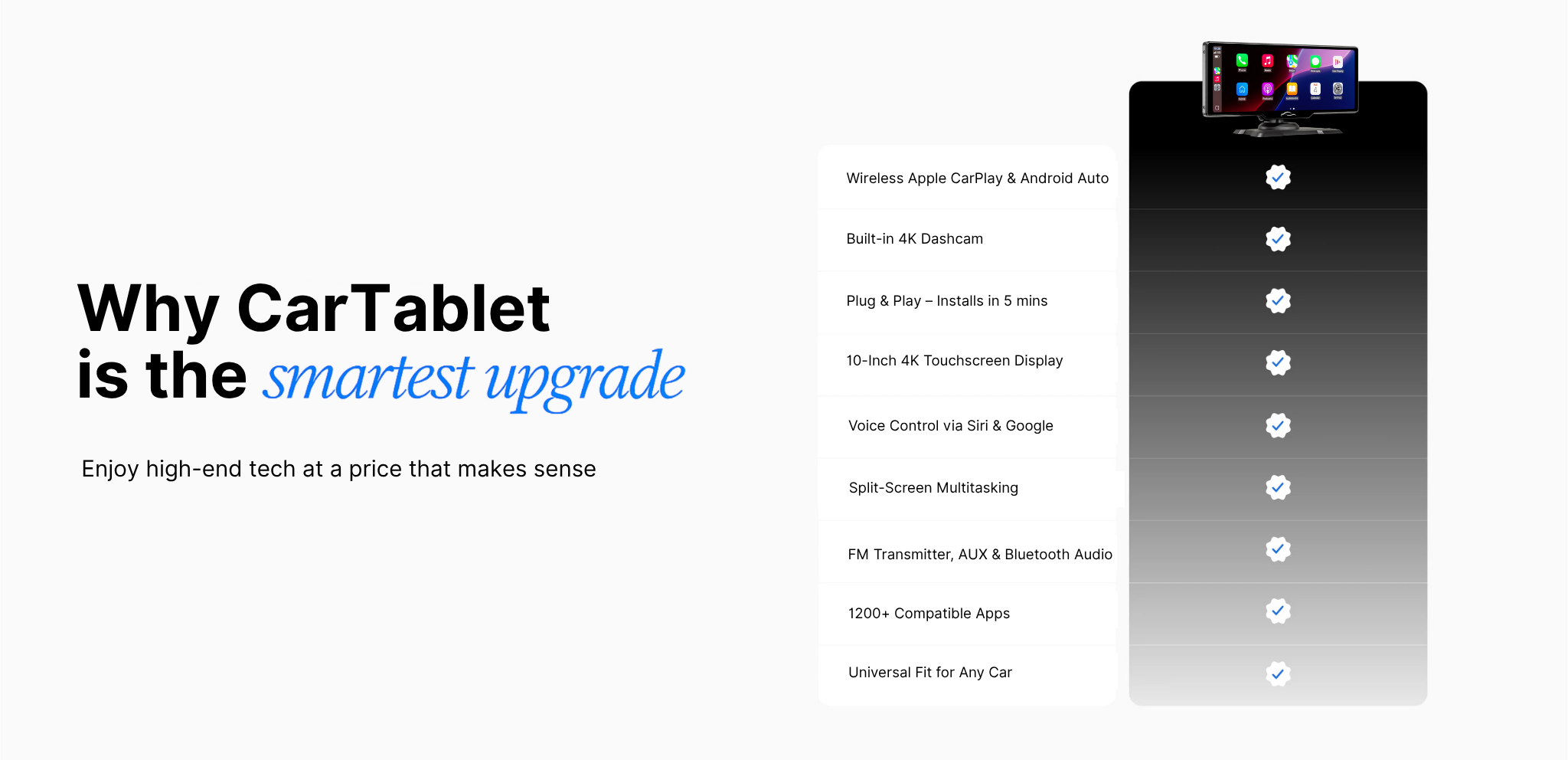
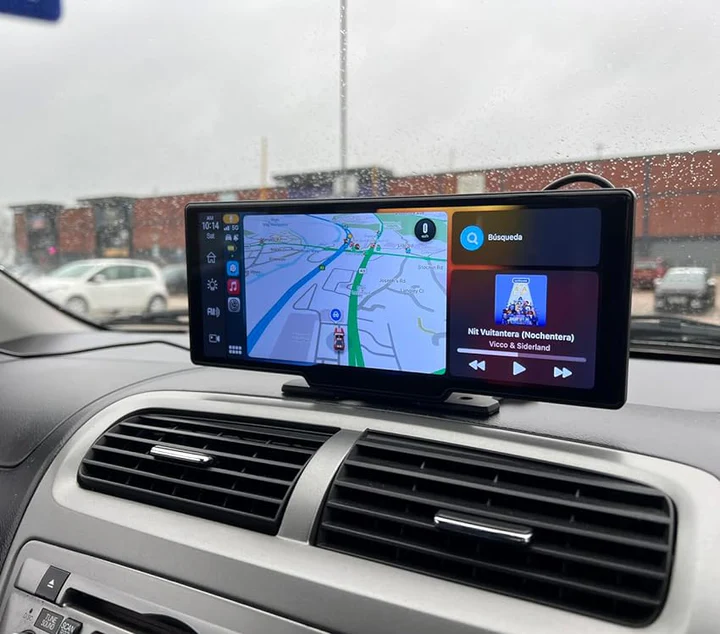
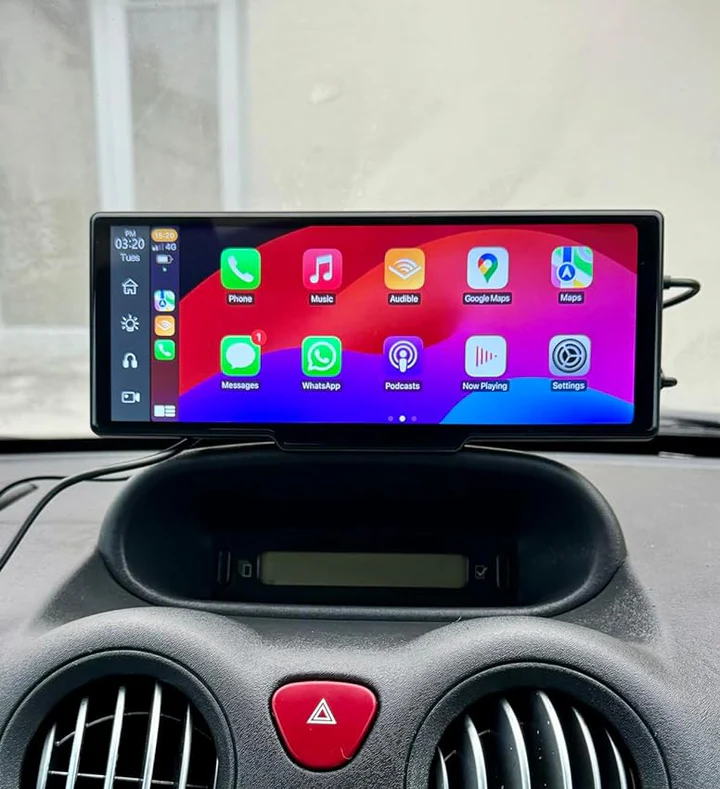
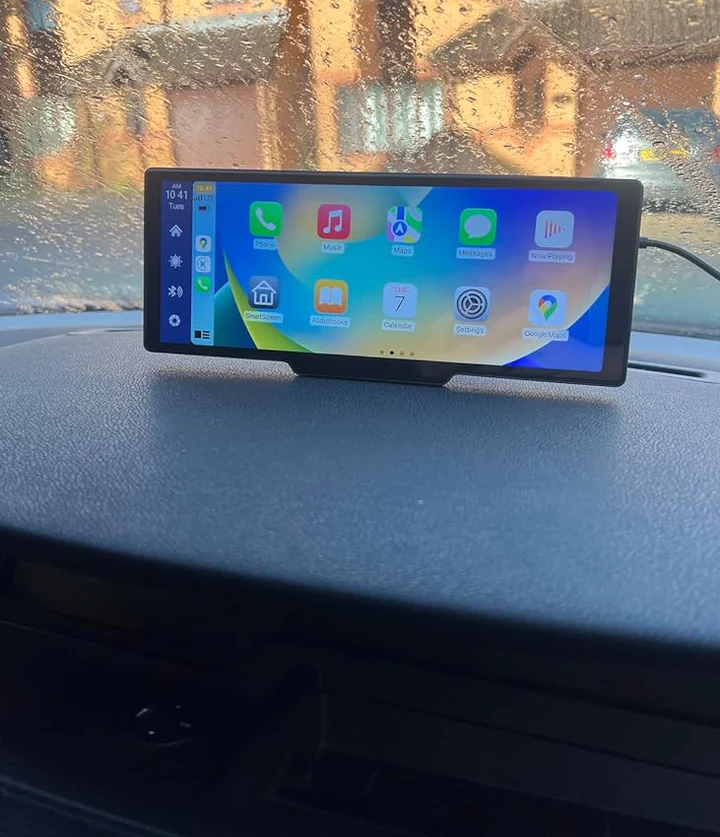
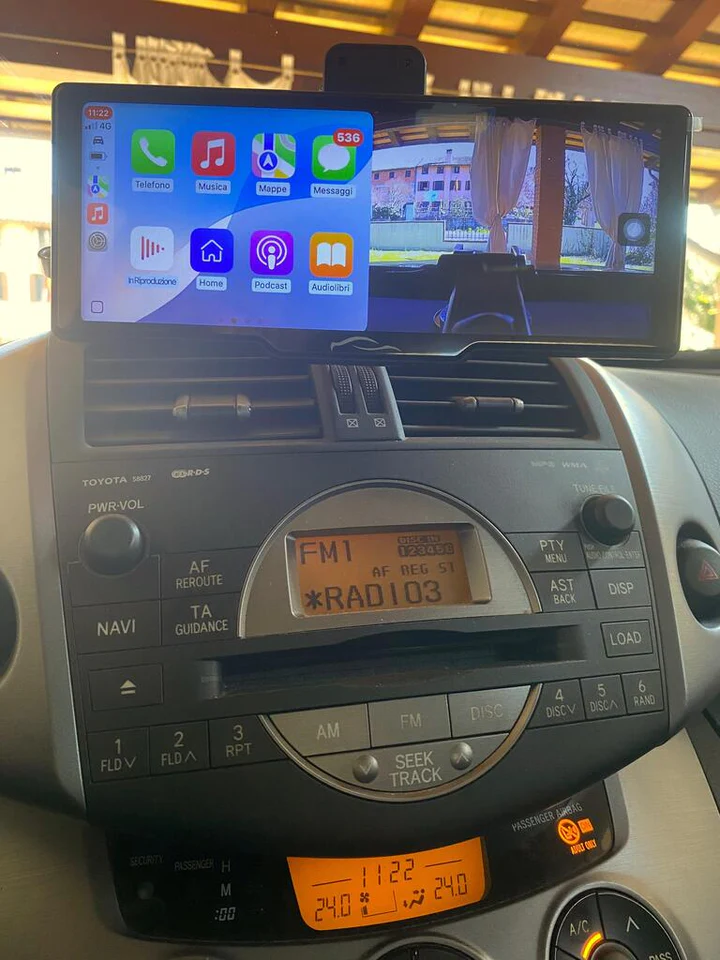
Mirror Link: Wireless Apple Carplay & Android Auto
USB Interface: USB 2.0
Language: English, Chinese, Spanish, Portuguese, Russian, German, Dutch, French, Polish, Turkish, Arabic, Hebrew, Italian, Czech, Japanese
Shipping & Returns
Due to high demand from our spring sale, there may be slight delays. However, we still ship every order within 24-48 hours.
Our international delivery time remains 4-6 working days, and we offer free insured and trracked shipping on all orders.
So you can follow its journey and have peace of mind.
We are confident in the quality of our products, which is why we offer a generous 100-day return policy.
You can test the screen, and if you're not completely satisfied, you can return it for free.
How To Install?
2. Plug the cable into your cigarette lighter, 12V port, or car charger - works in every car
3. Pair the screen with your phone via Bluetooth or connect using the cable - works with both Apple & Android
4. Use the built-in speaker, or connect to your car radio via the included AUX cable, Bluetooth, or the built-in FM transmitter.
And that's all! You have Apple CarPlay & Android Auto in your car in less than 5 minutes
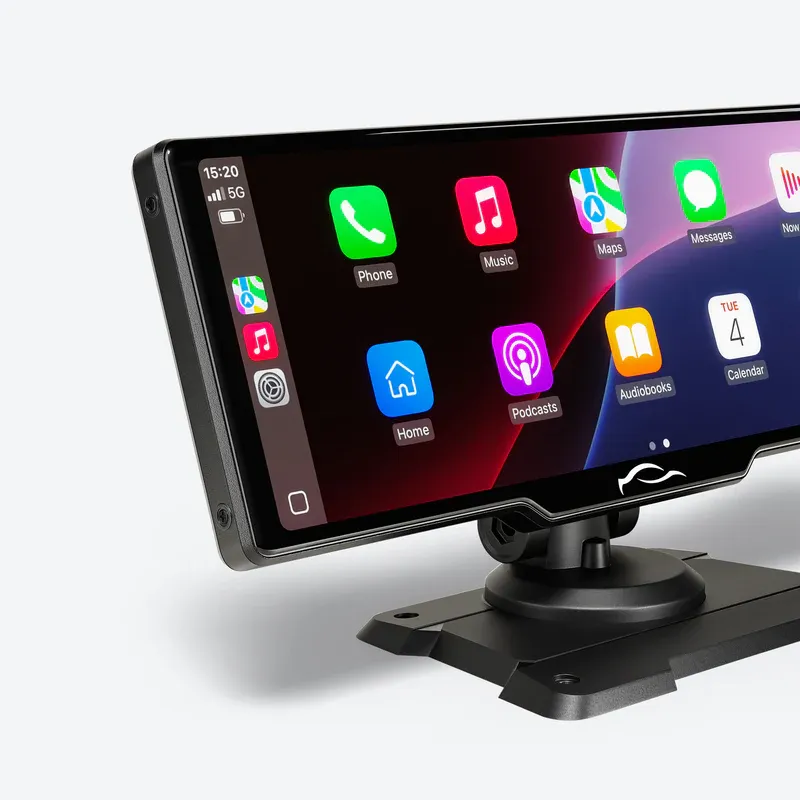
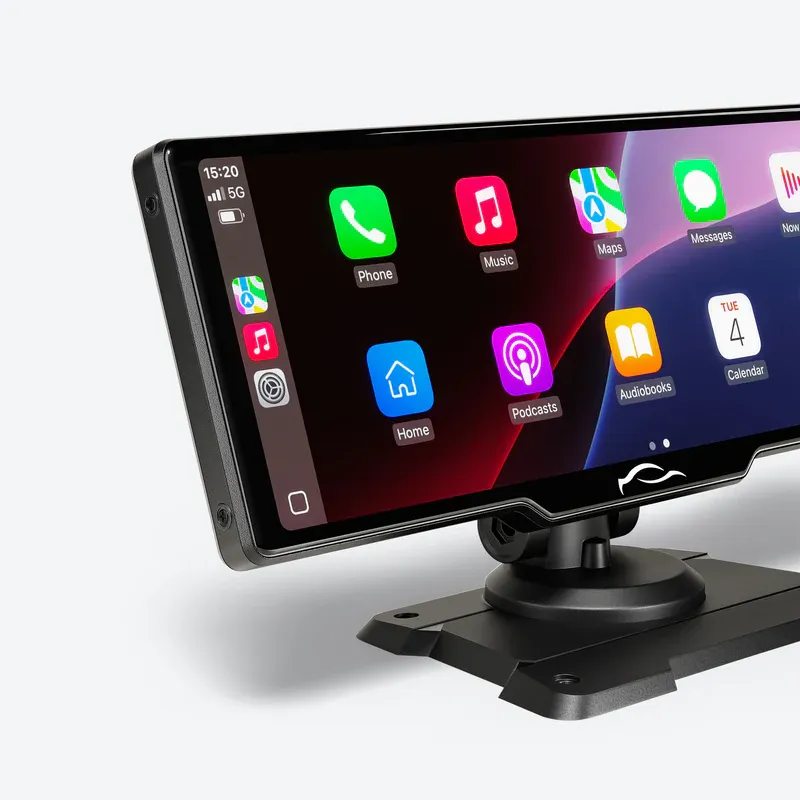
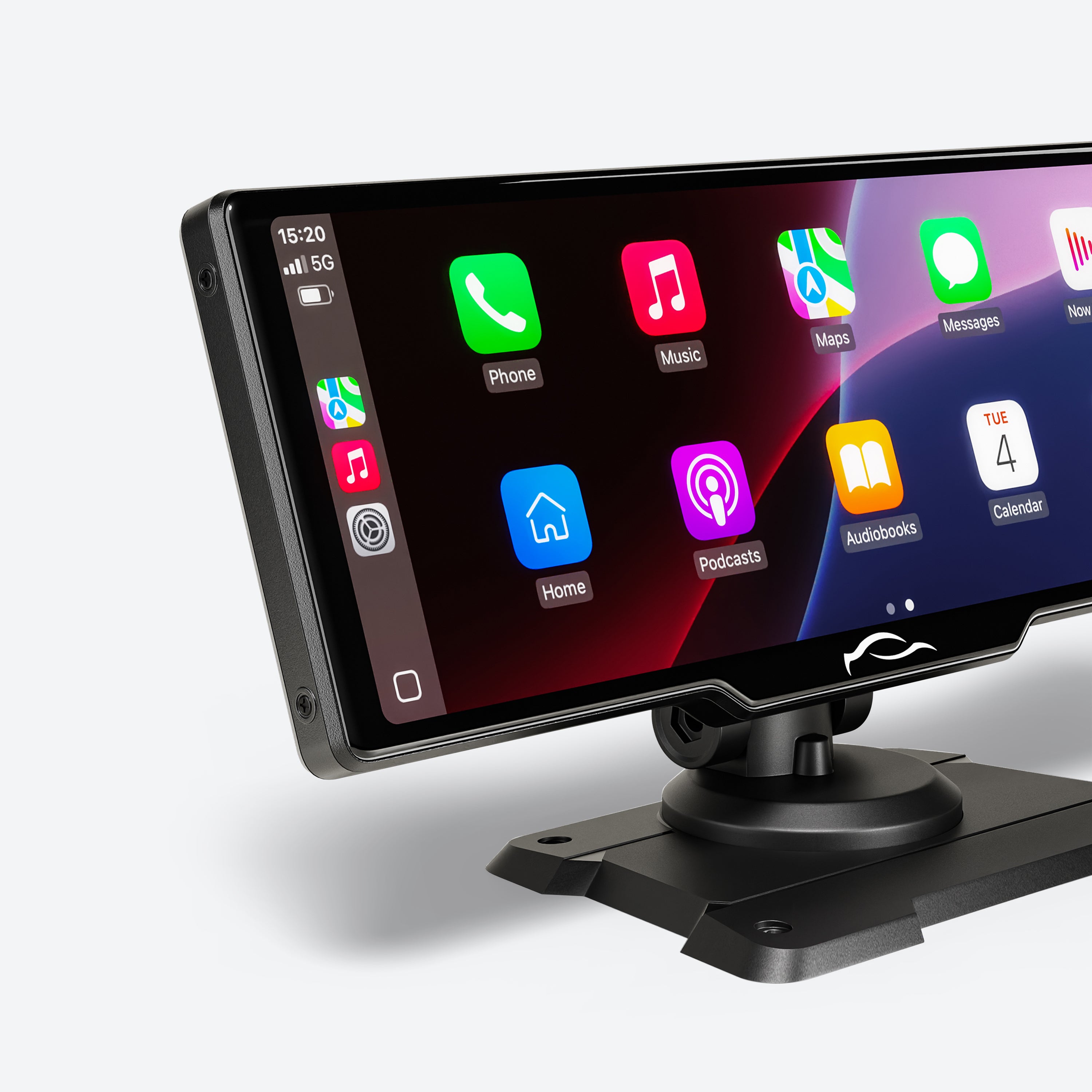
The Ultimate Driving Experience Upgrade
Quick & Easy Setup
Just plug it into your car’s cigarette lighter, connect your phone via Bluetooth or cable, and link to your car speakers through AUX or the built-in FM transmitter. No professional help needed!
Hands-Free Control
Experience safer driving with the CarTablet Pro Max. Utilize hands-free control for music, maps, and messages through Siri, Google Assistant, or Bixby
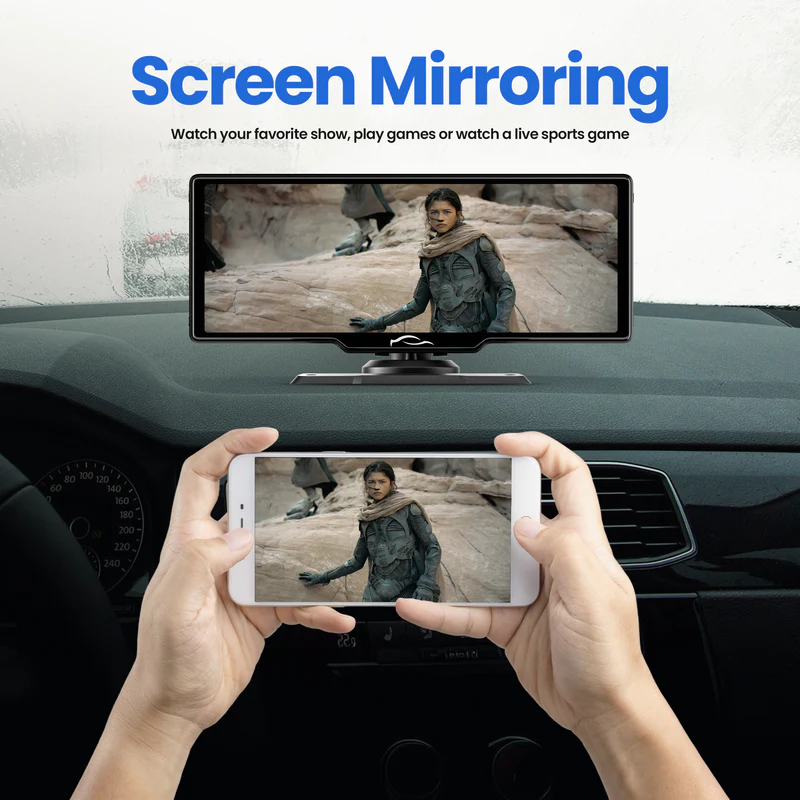
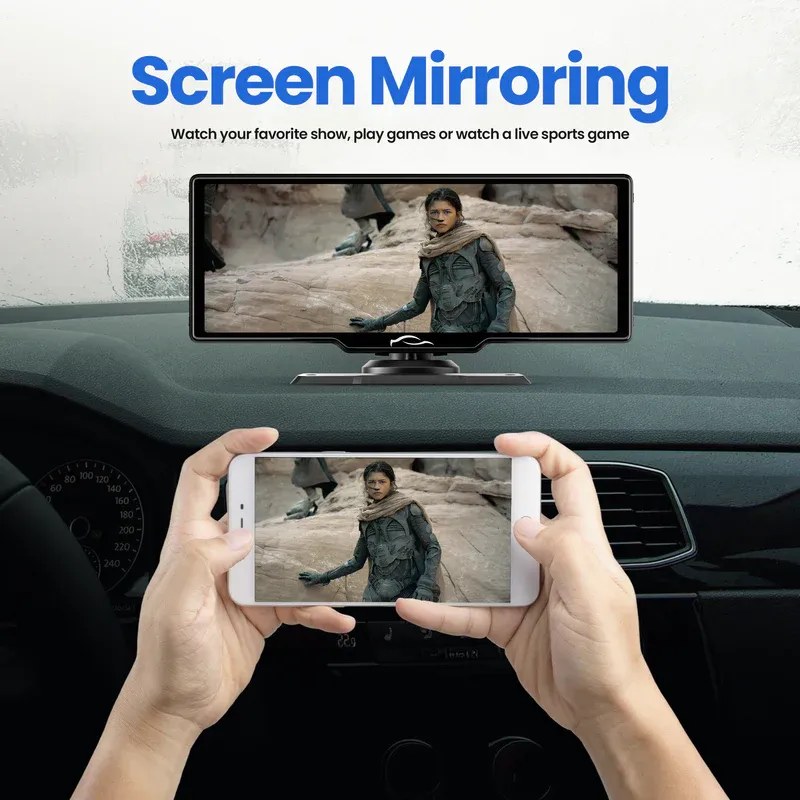
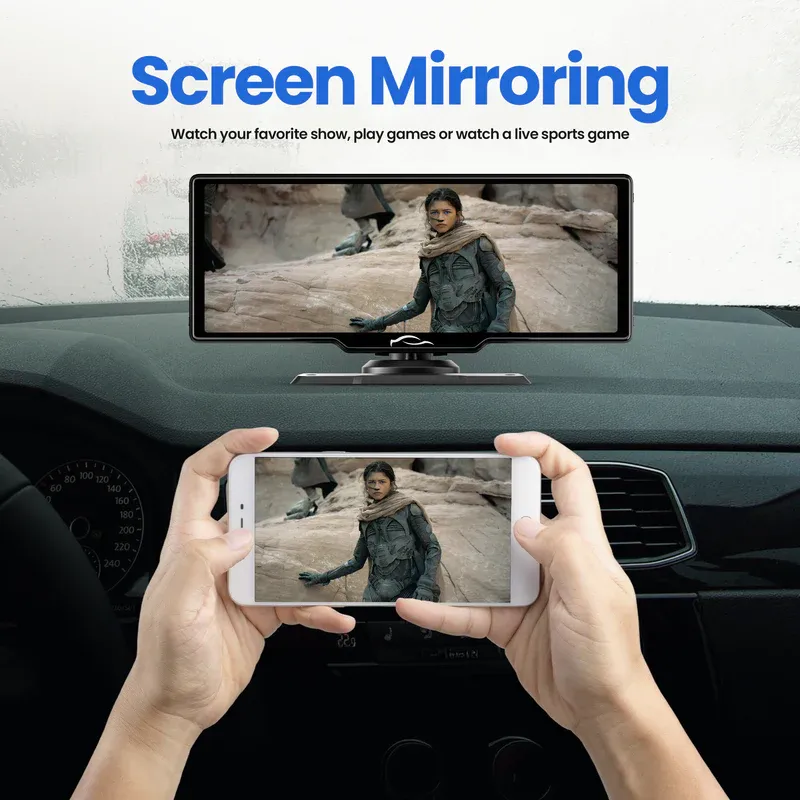
Screen Mirroring
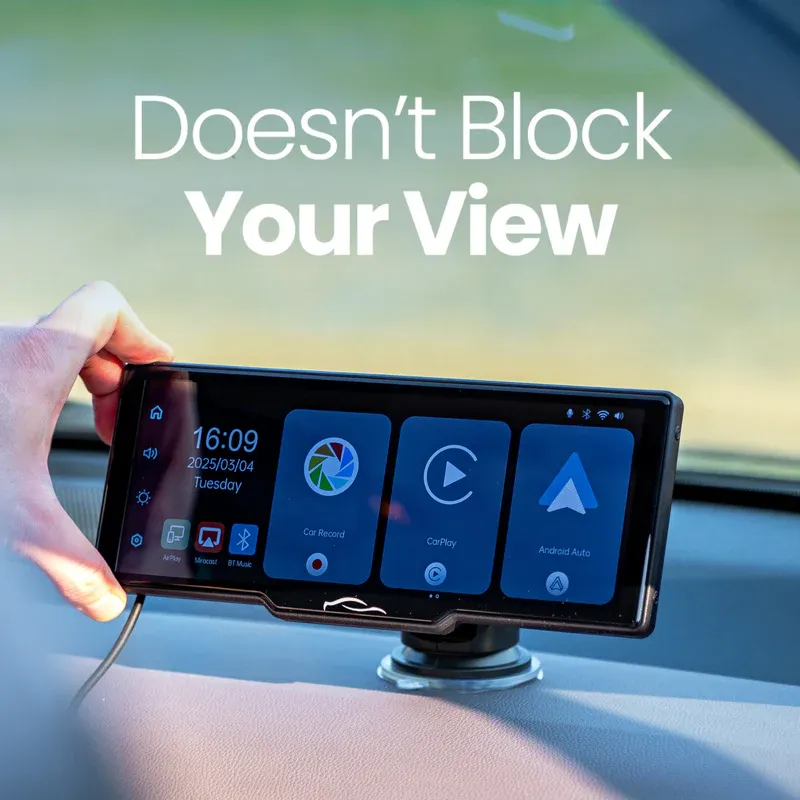
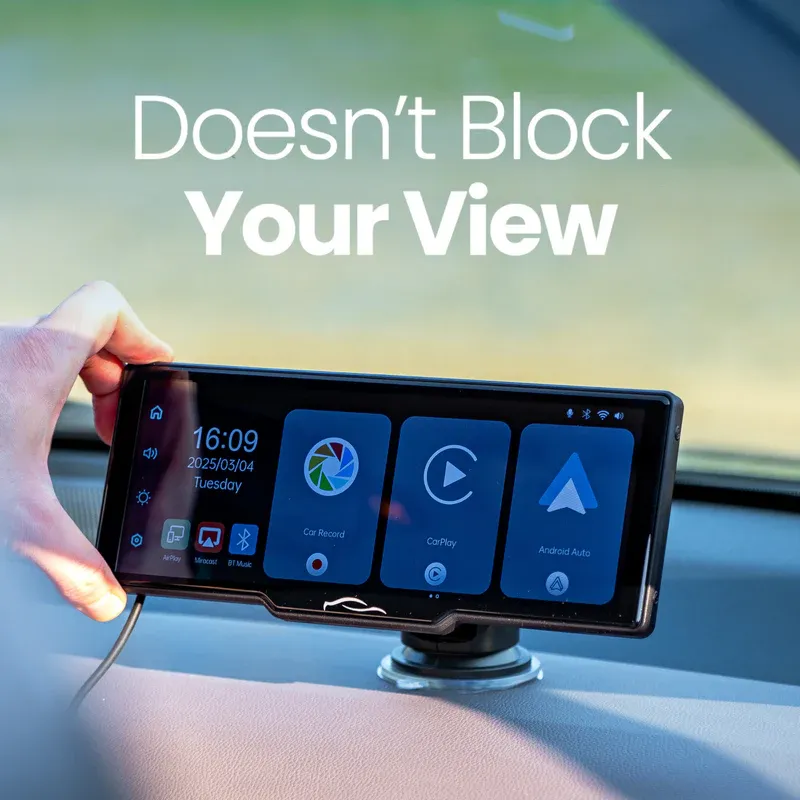
Enjoy in-car entertainment with CarTablet Pro Max's screen mirroring. Mirror your Android or Apple phone on the 10-inch 4K screen to watch your favorite videos and movies while parked
Built-In Dashcam
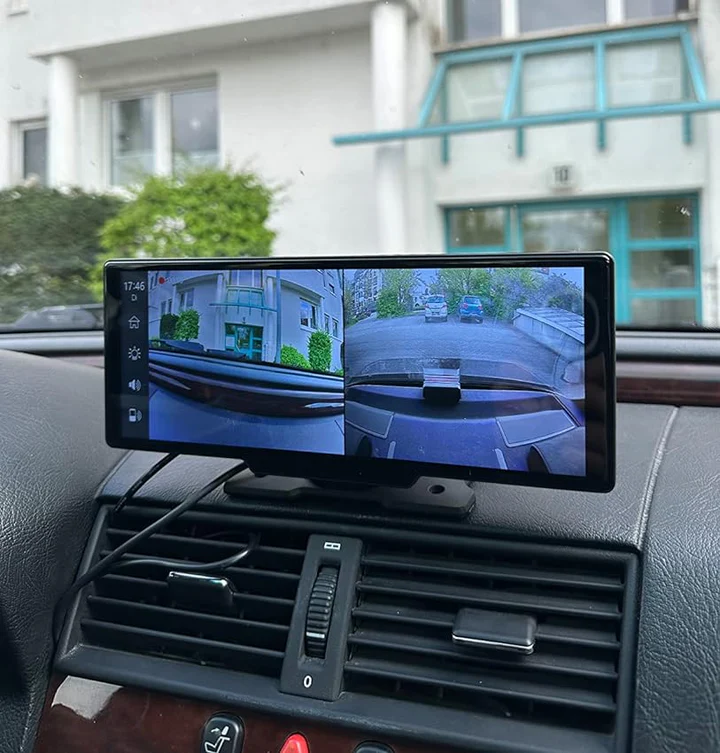
Drive with confidence using the CarTablet Pro Max's built-in dashcam. It continuously records your journey in high definition, providing an extra layer of security and peace of mind
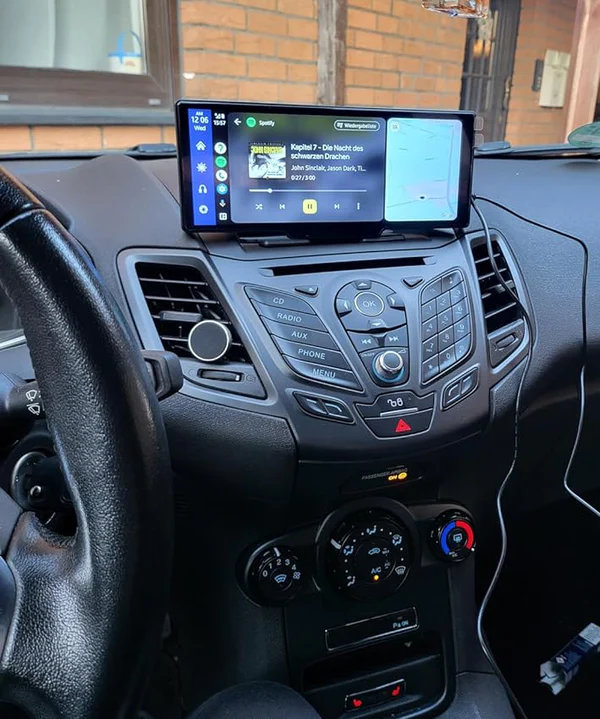
Install Your CarTablet Within 5 Minutes
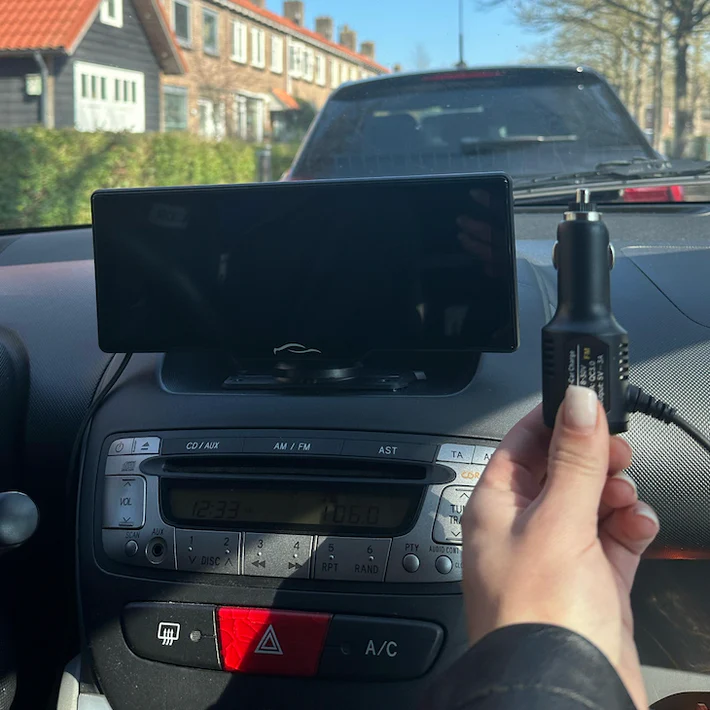
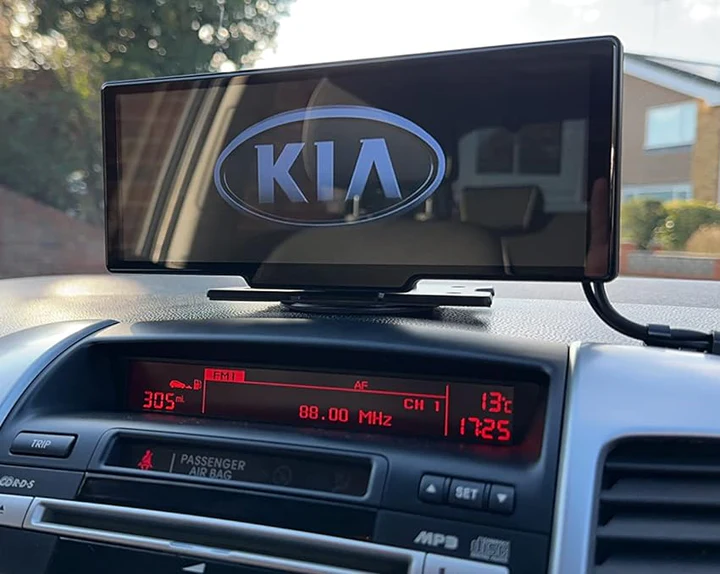
Plug the included adapter it into your 12V port/cigarette lighter
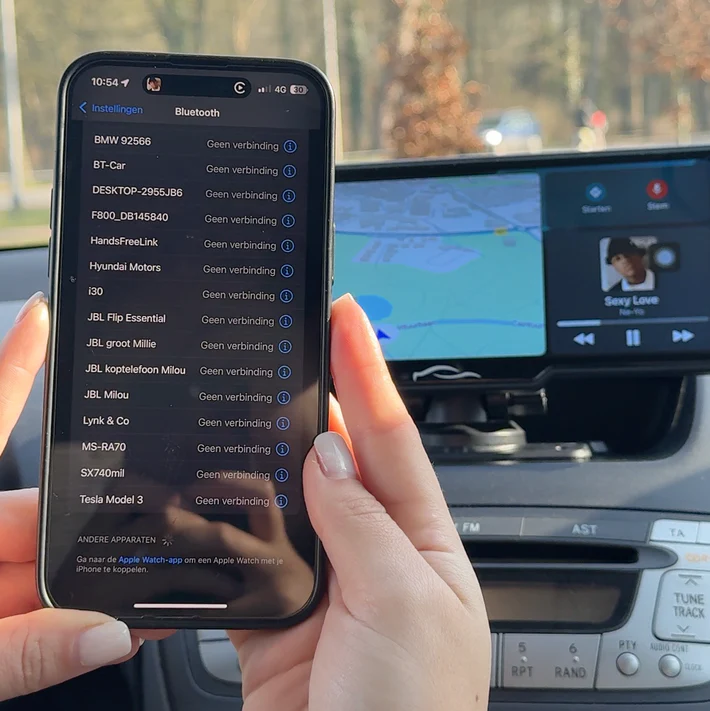
Works with both Apple & Android devices wirelessly
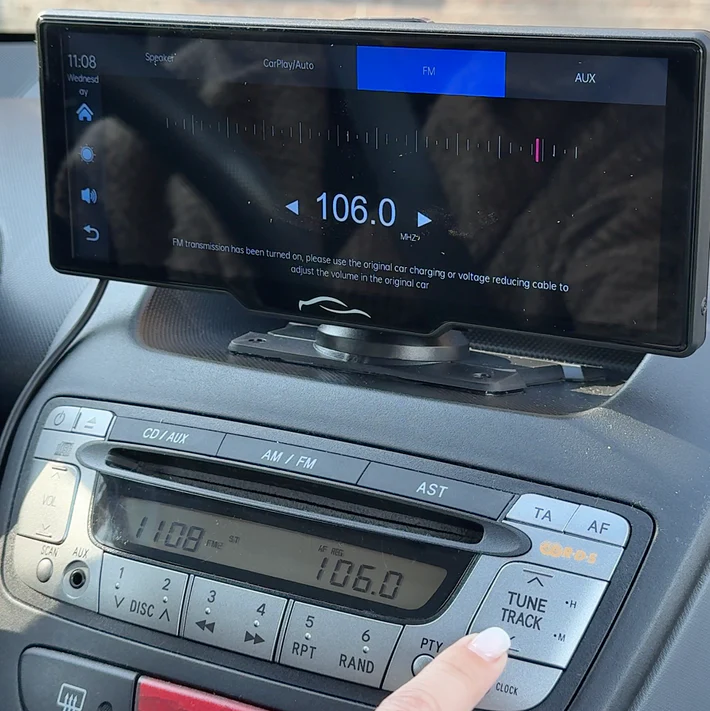
Via Bluetooth, the included AUX cable, or the built-in FM transmitter
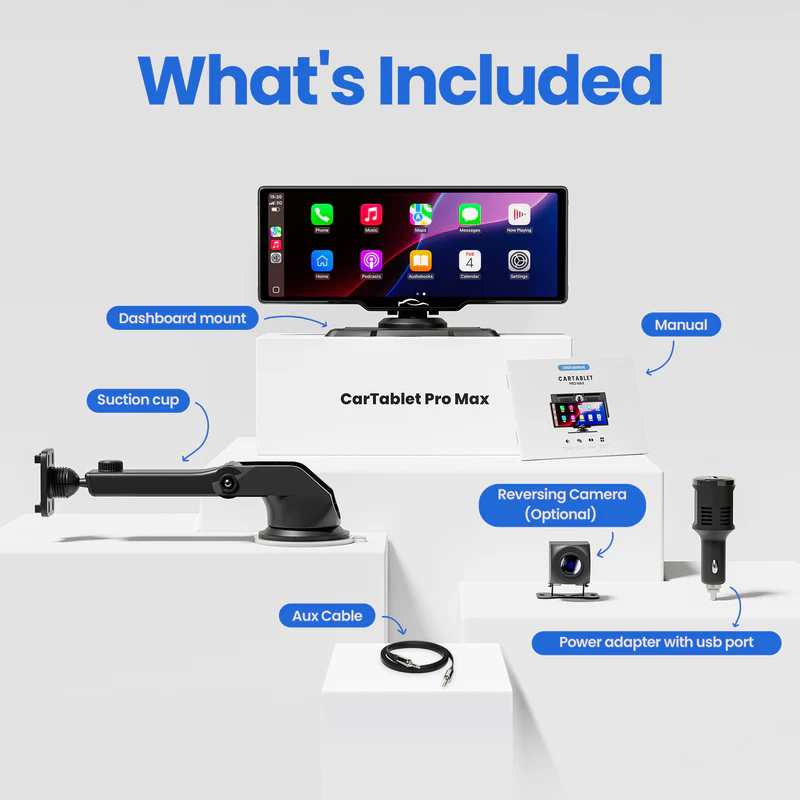
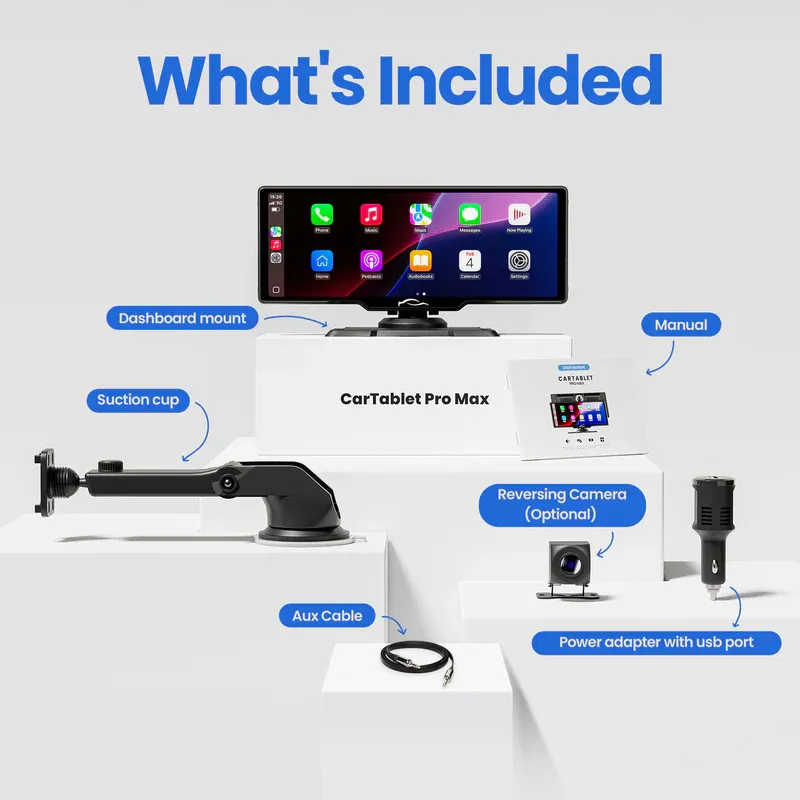
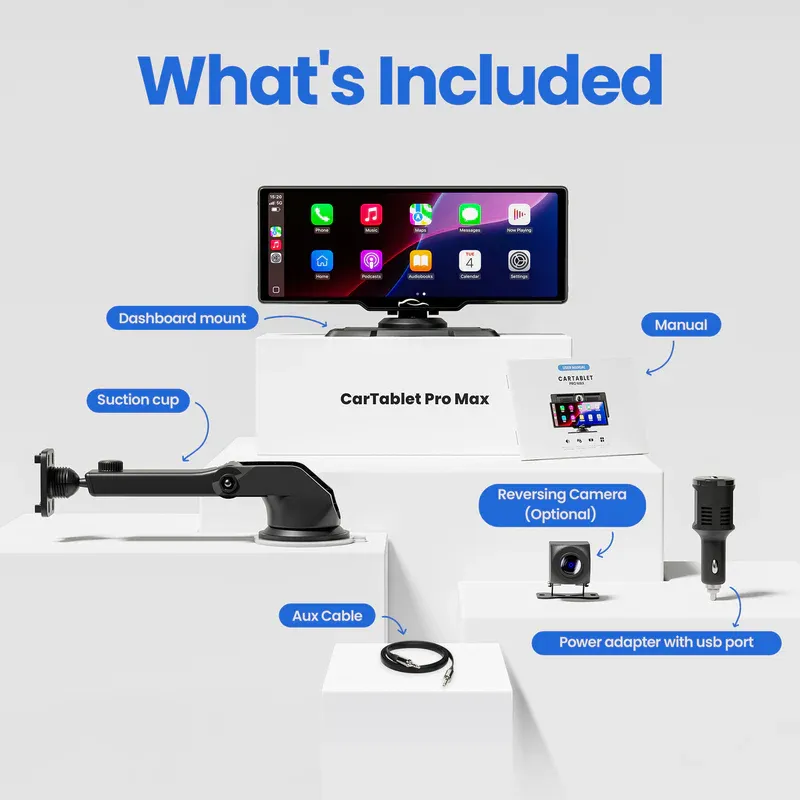
What is included?
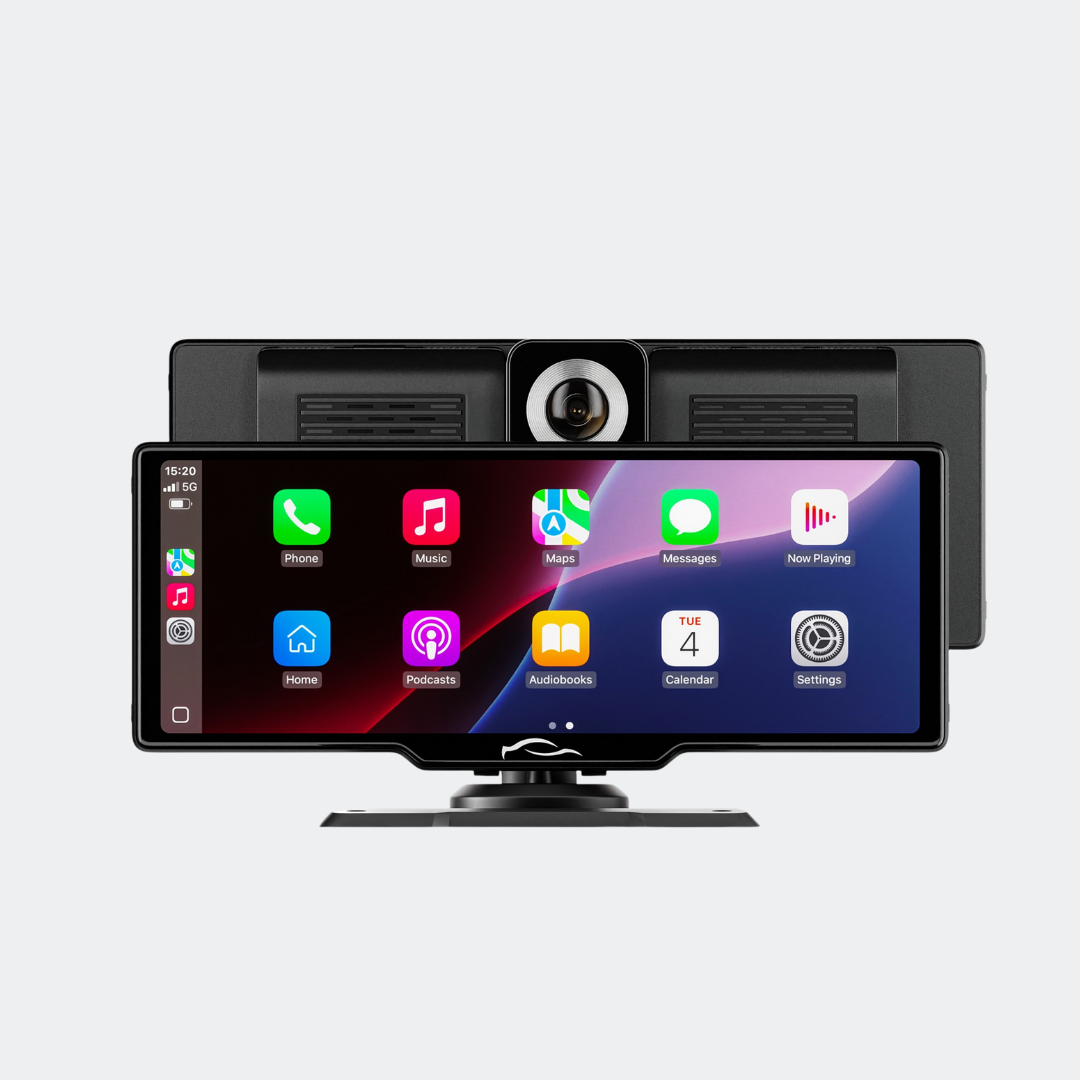
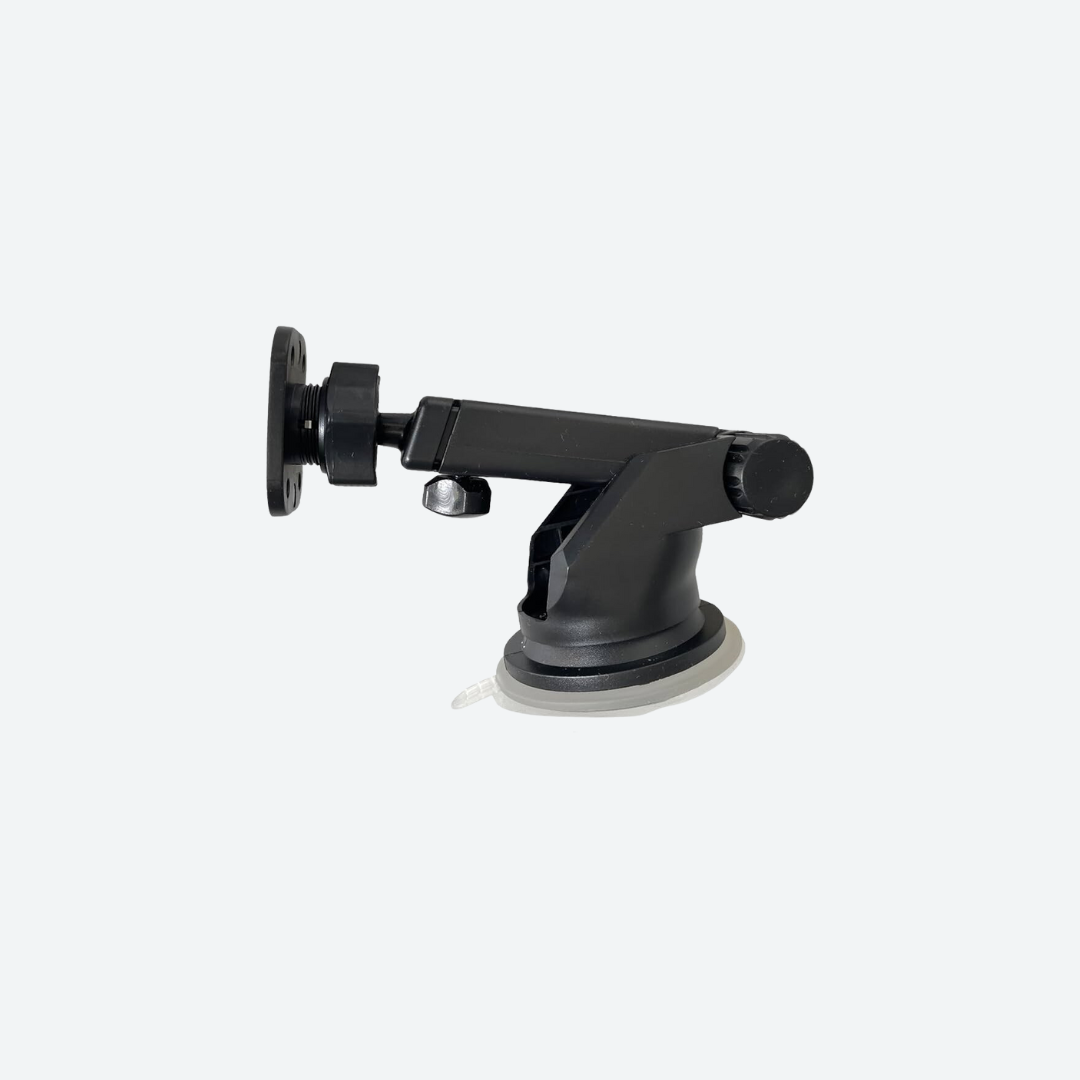
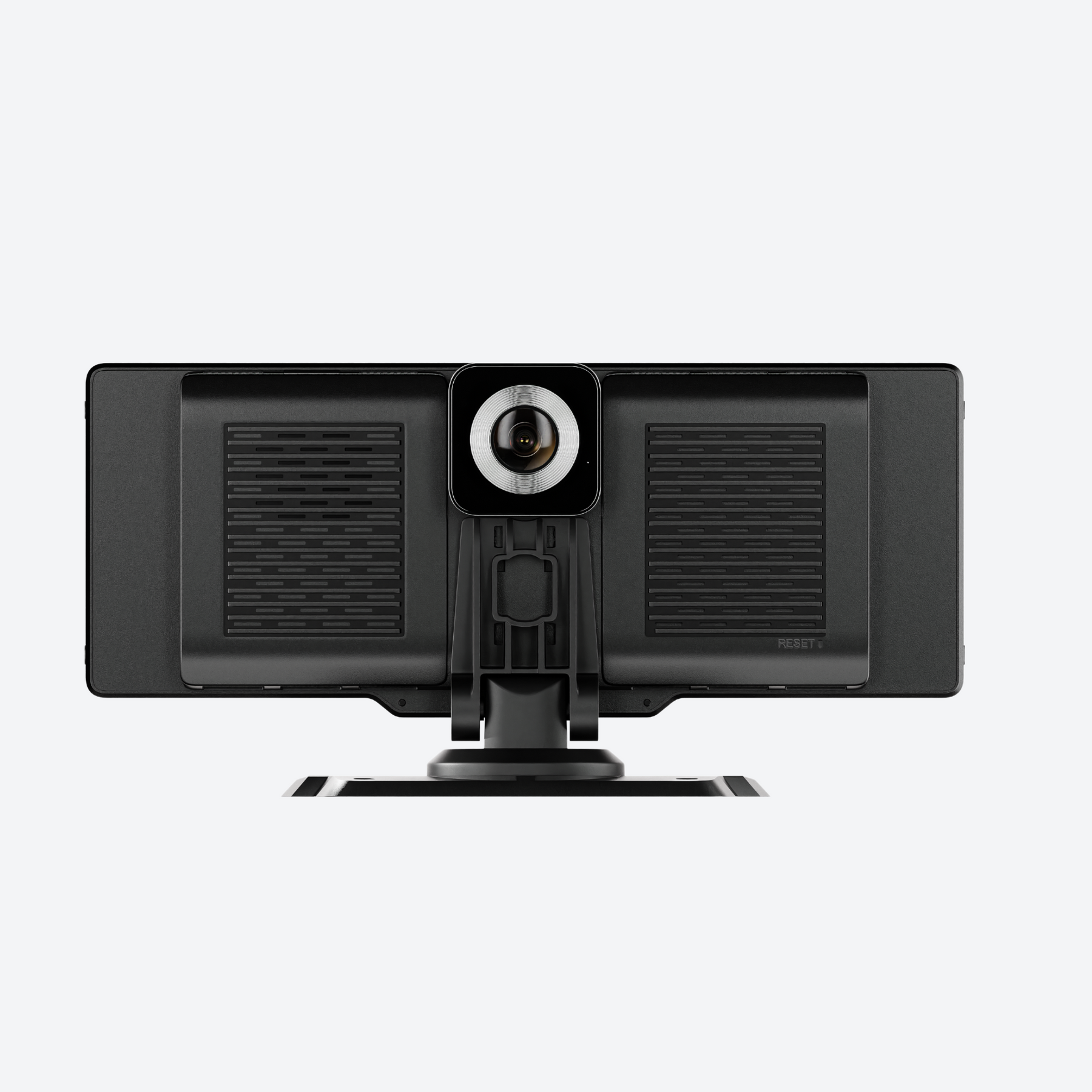
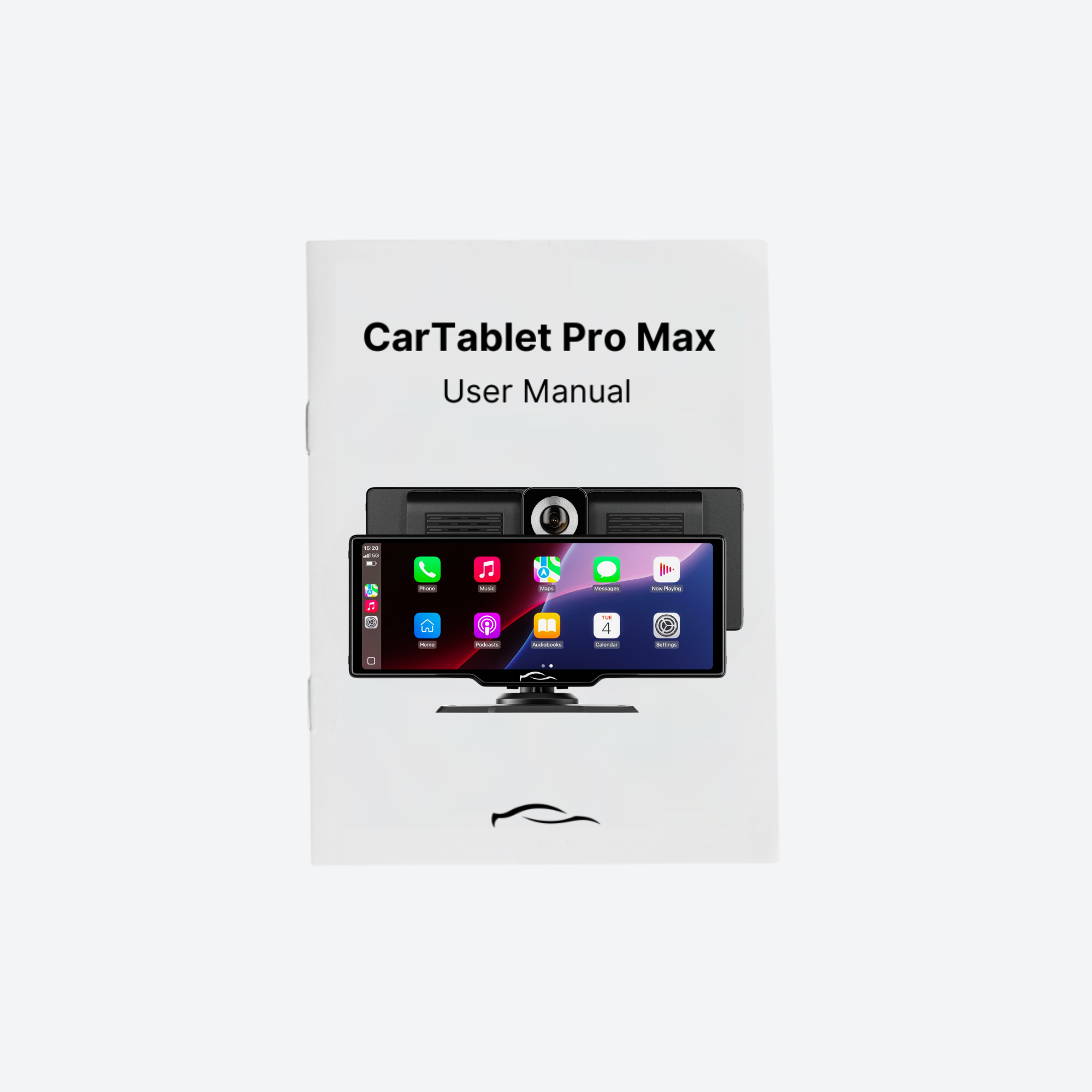
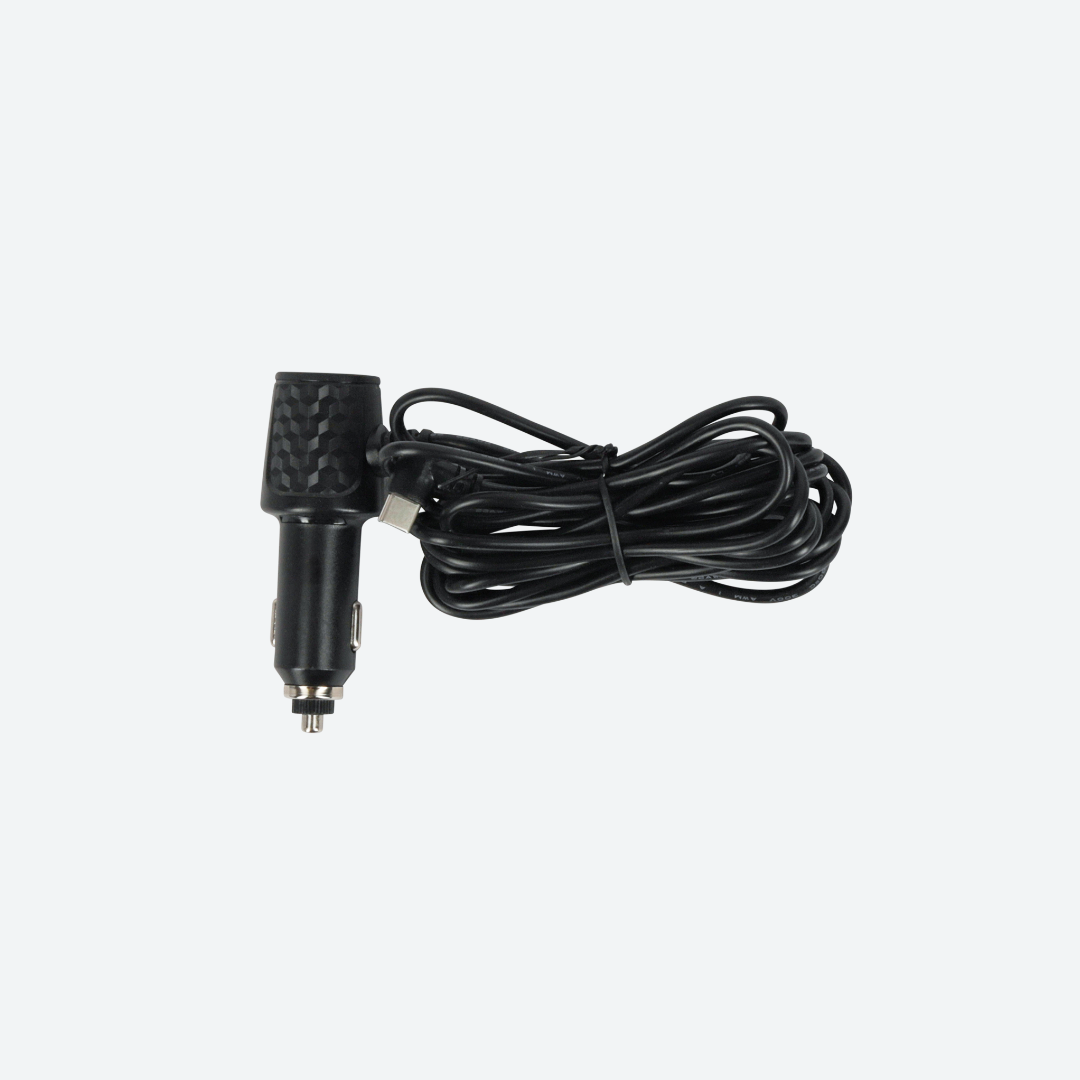
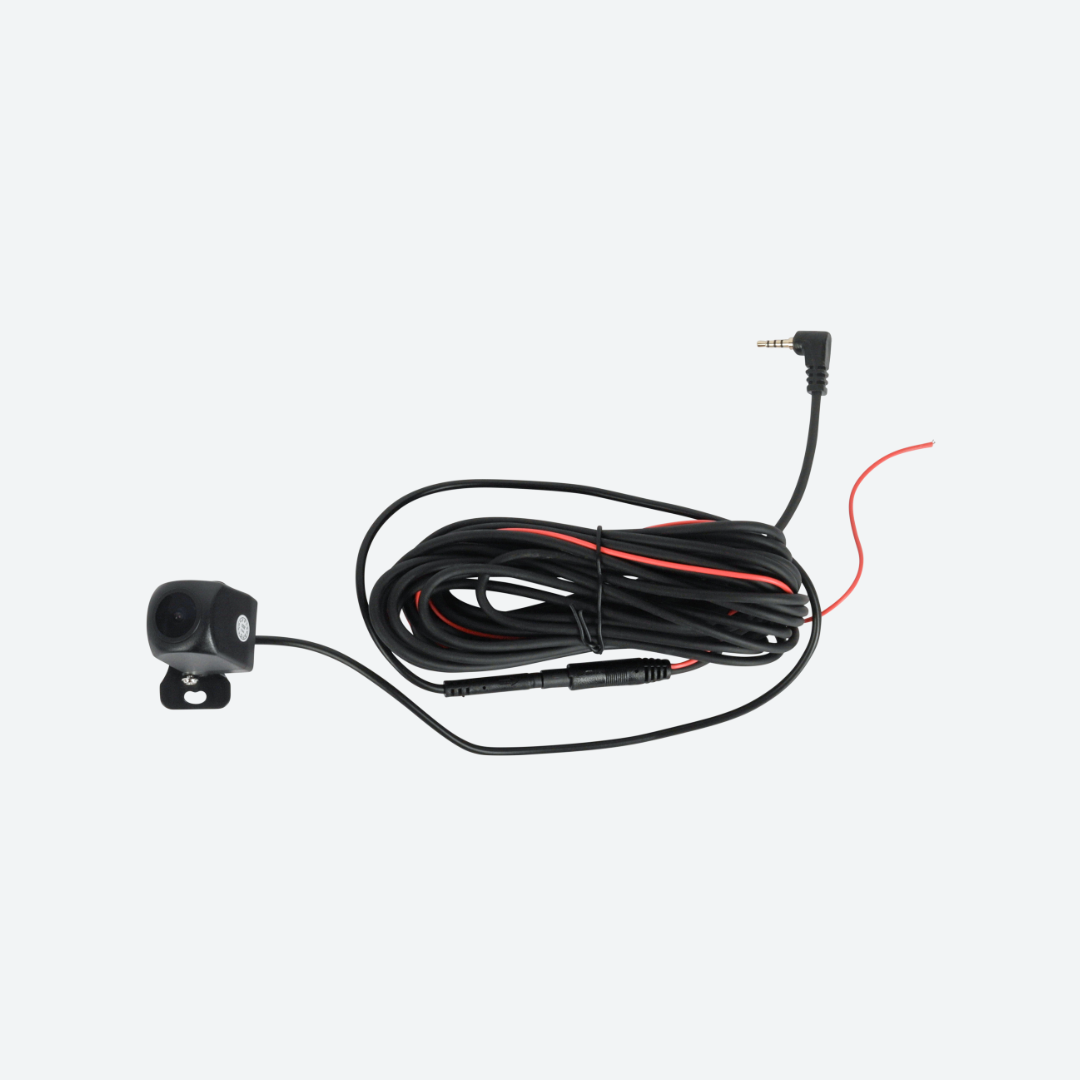
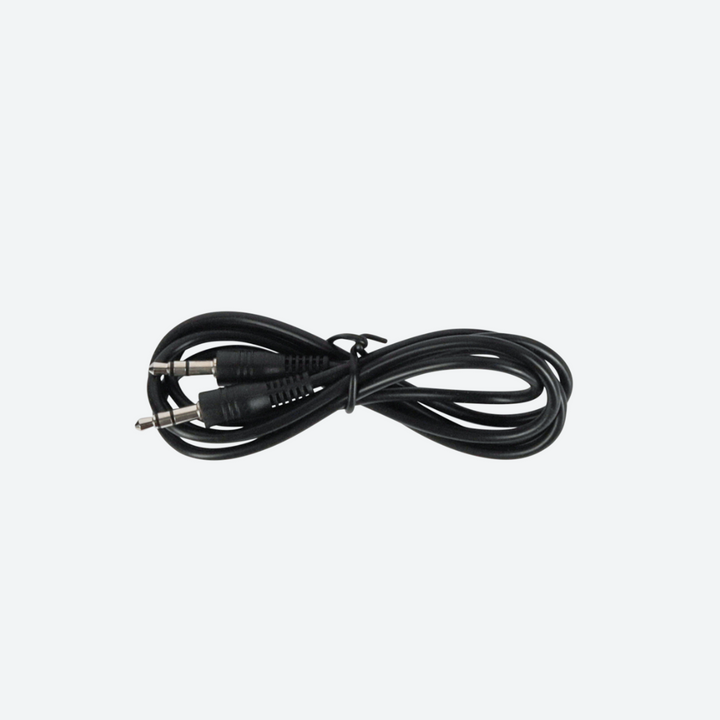
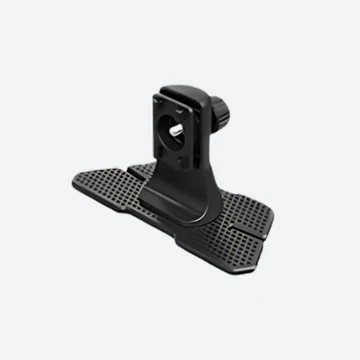
Lifetime Warranty & 100-Day Free Return Policy
Your satisfaction is our top priority. That’s why we offer a lifetime warranty on our CarPlay screens, ensuring you have peace of mind for years to come. Not completely satisfied? No problem. With our 100-day free return policy, you can try our product risk-free. Upgrade your driving experience with confidence today!
FAQs
Is the CarTablet compatible with my vehicle?
How to install the reversing camera?
Find and plug the 6 meter/20 feet cable into the AV1 port of the CarTablet Pro Max.
Route the Cable:
Carefully route the cable from the front to the rear of your car, hiding it under interior panels or carpeting to keep it out of sight.
Mount the Reversing Camera:
Attach the reversing camera to the rear of your car using adhesive mounts or existing screws/bolts to avoid drilling.
Power the Camera:
Connect the camera's power cables to your car’s reversing light circuit, so it powers on when the car is in reverse.
Test the Setup:
Turn on your car, shift into reverse, and check if the camera feed appears on the CarTablet Pro Max. Adjust the camera angle if necessary.